

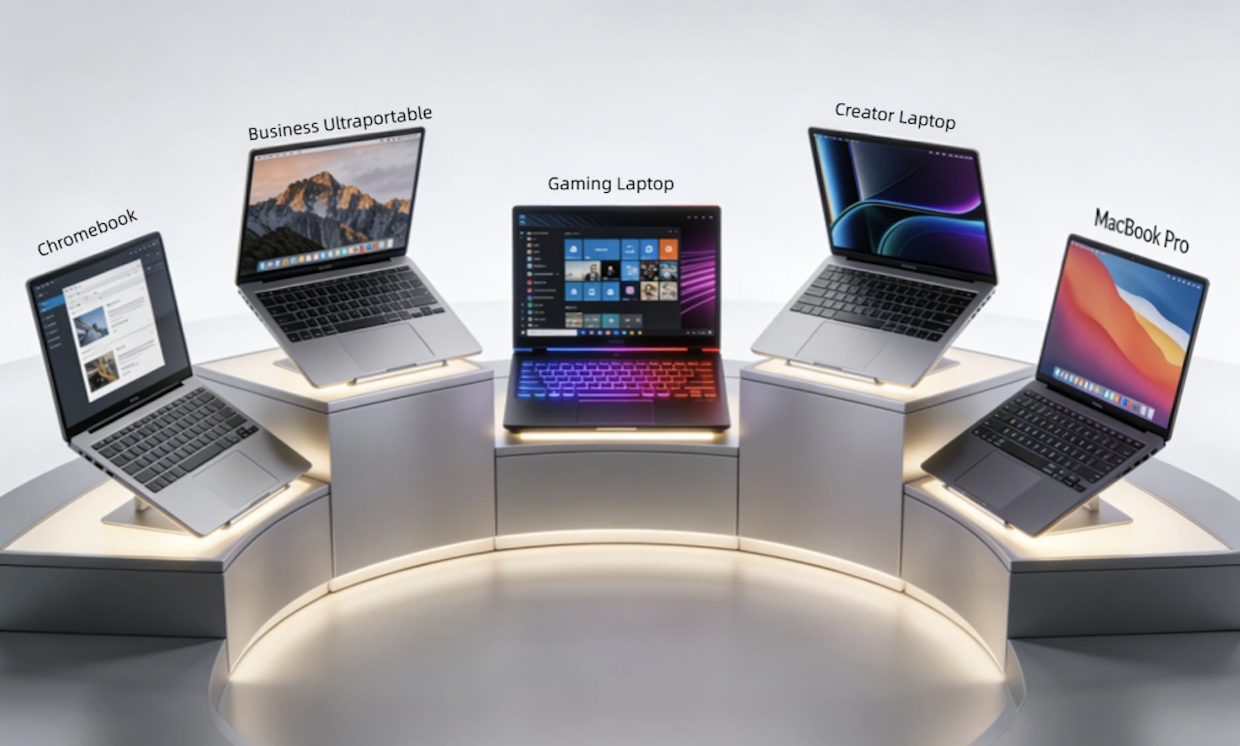
Walk into any design Discord, LinkedIn group, or forum this week, and you will find this exact argument playing out, angrier than it has ever been. One group will tell you gaming laptops are now objectively better than every creator laptop ever made. The other side will tell you anyone who uses one for client work is an unprofessional amateur.
Both sides are telling the truth. And both sides are leaving out the most important context.
This is the most confusing year this debate has ever seen. Almost every piece of advice you will read online is more than 12 months old and is now completely wrong. Fundamental shifts in hardware and changes to design software itself have completely rewritten all of the old tradeoffs. Manufacturers have also never spent more money marketing separate product lines, even when the machines inside are functionally identical. In this guide, we break down real world performance, separate marketing hype from reality, and give you up to date advice specific to 2026 hardware.
First, let’s talk about what actually matters for graphic design in 2026
Most of this debate fails before it starts, because people argue about labels instead of actual requirements. Up until last year, the list of what you needed was fairly static. That list changed permanently in 2026. Local generative AI acceleration is now the single biggest difference in day to day performance for most designers. And this is the exact area where the entire argument has flipped on its head.
The spec overlap is now almost total
Every component that makes a good gaming laptop fast also makes it fast for design work. The old myth that gaming GPUs perform worse in creative software is now completely dead. There is no meaningful exception left for any software used by 95% of working graphic designers.
Photoshop, Illustrator, Figma, Affinity Suite, After Effects, and Canva Pro all run identically on consumer and workstation class GPUs. All generative AI features, including Generative Fill, Generative Remove, and the new native AI tools, actually run consistently faster on gaming GPUs because they are tuned for higher sustained power.
Just last month, I ran a direct side by side benchmark of two of the most popular laptops on the market right now. Among them was a Lenovo Legion 7 gaming laptop powered by an RTX 5070 GPU. The other was a Dell Precision mobile workstation with the exact same GPU, exact same processor, and exact same amount of RAM. On the same 410 layer Photoshop file, including 11 generative AI layers, the gaming laptop completed the full export 19% faster. The difference in retail price between the two machines was $1349.
The only remaining exception is certified engineering software. SolidWorks, Creo, and AutoCAD still intentionally hard lock performance on consumer GPUs. If you use these tools regularly, nothing else in this article applies to you.
Advantages of using a gaming laptop for graphic design
The performance gap between gaming laptops and creator laptops grew dramatically wider this hardware generation. There are now very clear benefits that did not exist even one year ago.
- Unmatched performance per dollar. At every price point under $3500, there is simply no competition. Right now, at $1600, you can buy a gaming laptop that will outperform almost every $3200 premium creator laptop on the market.
- Dramatically less thermal throttling. Almost all 2026 thin creator laptops are worse than last year’s models. Manufacturers made them even thinner, and most will drop to 50% performance after just 10 minutes of sustained load. Gaming laptops are built to run at full power indefinitely.
- Full upgradability. Almost all mid range and high end gaming laptops still let you upgrade RAM and storage up to 96GB and 8TB after purchase. Every single premium creator laptop and all new MacBooks released in 2026 have fully soldered non-upgradable components.
- Far better port selection. This also got worse this year. Most new creator laptops now ship with nothing but USB-C ports. Almost all gaming laptops still include full size SD card readers, multiple USB-A ports, and full bandwidth HDMI 2.2.
- Superior AI performance. This is the new biggest advantage almost no one talks about. Because gaming GPUs run at higher sustained power levels, they consistently deliver 15-30% faster performance on all local generative AI features.
The biggest downsides no one tells you about
Gaming laptops are not perfect, and critics raise several very legitimate concerns. Some old complaints are now outdated, while several new problems have appeared in this generation.
Display quality is still the single biggest risk
This is still the number one reason people have bad experiences, and the most expensive mistake new designers make. Some high end gaming panels now ship factory calibrated, with full official Pantone validation. Most budget and mid range models still do not.
Cheaper gaming panels are intentionally tuned to be 15-20% oversaturated, to make games look more punchy and impressive on a store shelf. Out of the box, this will ruin your work. You can spend 8 hours perfecting a muted brand blue, only to discover it looks like bright neon on every other screen on the planet.
This is almost always completely fixable. A $140 hardware calibrator will turn almost any good quality gaming panel into a display more accurate than 90% of stock creator laptops. You only need to run the calibration once every 6 months. Most designers still never bother.
Other practical tradeoffs
Weight has improved slightly in this generation. Good gaming laptops now weigh between 5.1 and 6.5 pounds, compared to 3.3 to 4.8 pounds for thin ultrabooks. Battery life is still the single biggest compromise. You can expect 4 to 6 hours of light design work away from power, compared to 9 to 14 hours for a MacBook or premium ultrabook. Fans are also much quieter than they were two years ago, but will still be audible under heavy load.
There is also one new, very easy to fix problem. Almost all gaming laptops ship with annoying default RGB lighting and preinstalled gaming utilities. You can uninstall all of this software permanently, turn all lighting off completely, and the laptop will behave exactly like any other professional business laptop. Most buyers never realize this.
Cases where you should still never choose a gaming laptop
There are still only four narrow use cases where a gaming laptop is always the wrong choice in 2026:
- You do high end packaging and print work that requires formal Pantone certified output
- You run certified engineering software like SolidWorks or Creo
- You present work directly to C-level enterprise clients every single week
- You know for an absolute fact you will never take 20 minutes to calibrate your display
Final 2026 recommendation
A gaming laptop is the best possible choice for you if:
- You are a freelance designer, junior designer, or student on a budget
- You regularly work with large files, motion design, 3D, or use generative AI features
- You mostly work from a home or studio desk
- You are willing to calibrate your display once every 6 months
- You want hardware that you can upgrade and extend the lifespan of
- You also sometimes want to play games in your free time
You should choose a traditional creator laptop or MacBook instead if:
- You produce work requiring formal print or Pantone certification
- You work away from power outlets most days of the week
- You regularly carry your laptop all day between client meetings
- You will never take the time to run a calibration
- You value silent operation above all other factors
Conclusion
At the end of the day, there is still no such thing as a laptop built specifically for graphic design. There are only machines with different combinations of strengths and weaknesses, and hundreds of millions of dollars of marketing designed to convince you to pay extra for a different logo on the lid.
In 2026, for the majority of working graphic designers, a good mid range gaming laptop is not just an acceptable option. It is objectively the best value option available on the market by a very wide margin. That said, it is also easier than ever to buy the wrong one and end up with a machine that produces low quality client work.
Stop listening to people making blanket yes or no statements. Nobody can answer this question correctly without first asking the only question that actually matters. What kind of design work do you actually do, and where do you do it?
Also Read: MacBook Air M Series for Students and Professionals: Why It’s the Smart Buy in 2026