
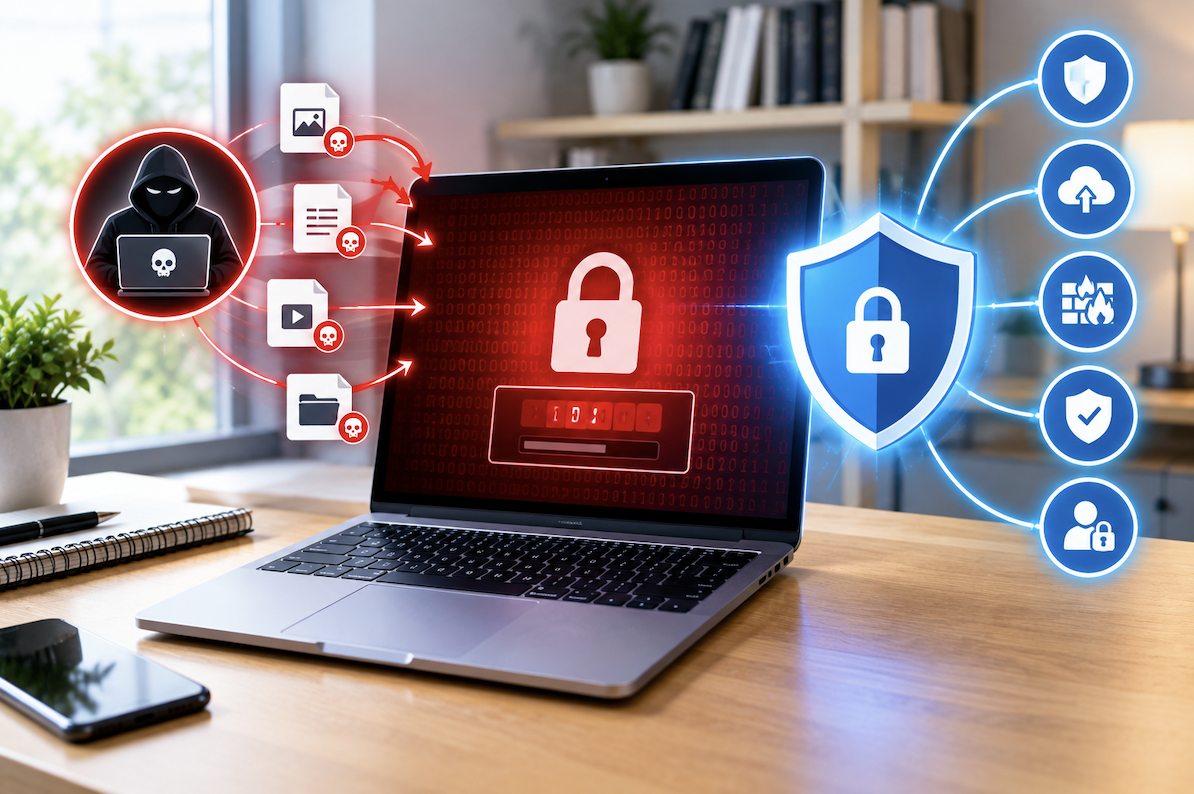
A hospital’s computer screens go dark all at once. A small accounting firm opens for the morning and finds every client file locked behind a message demanding payment in cryptocurrency. A city government’s water utility grinds to a halt because the software controlling it has been frozen by an attacker thousands of miles away. These are not hypothetical scenarios, they’ve all happened, and ransomware is the common thread running through them.
Few cybersecurity threats have generated as much alarm as ransomware, a type of malicious software that has evolved from a relatively niche technical curiosity into one of the most financially damaging and disruptive categories of cyberattack facing individuals, businesses, and public infrastructure alike. This article breaks down how ransomware actually works, why it has proven so persistently effective, and what practical steps meaningfully reduce your risk of becoming a victim.
What Ransomware Actually Is
Ransomware is malicious software designed to block access to a victim’s files or entire computer system, typically through encryption, until the victim pays a ransom demanded by the attacker. Unlike many other forms of malware that operate quietly in the background, trying to avoid detection while stealing information, ransomware announces itself. The attacker’s entire business model depends on the victim knowing exactly what has happened and understanding exactly what payment will supposedly make it stop.
This distinction shapes everything about ransomware’s psychological and financial impact. A data-stealing infection might sit undetected on a network for months, quietly siphoning off information. Ransomware, by contrast, creates an immediate and unmistakable crisis, a countdown timer on the screen, an explicit ultimatum, sometimes a threat that stolen files will be published publicly if payment isn’t made by a certain deadline.
How Ransomware Actually Gets In
Phishing emails carrying malicious attachments or links remain one of the most common ways ransomware spreads. Unpatched software vulnerabilities let ransomware in without any action from the user at all. Compromised remote access credentials give attackers a direct door into business networks. Malicious ads and compromised legitimate websites can trigger infections just from a visit, and pirated or unofficial software downloads frequently carry hidden payloads.
Phishing deserves particular attention here, since it remains successful despite years of awareness campaigns precisely because attackers keep refining their approach, impersonating a colleague, a delivery company, a bank, a tax authority, anything urgent enough to short-circuit the healthy skepticism a more obviously suspicious message would trigger. A well-crafted phishing email doesn’t look like a scam. It looks like Tuesday’s inbox.
Why Ransomware Keeps Getting Worse
Modern ransomware attacks have grown considerably more sophisticated than the earlier, simpler versions of this threat. Many operations now steal sensitive data before encrypting anything, adding a second layer of extortion pressure on top of the original file-locking threat. Attackers increasingly target backup systems specifically, trying to make sure victims can’t simply restore from backups and walk away. Some ransomware groups have developed operations that look almost like legitimate businesses, complete with customer support chat windows for negotiating payment. Others research their targets in advance, calibrating the ransom demand to what a specific victim can actually afford to pay.
This dual extortion model, encrypt the files, and threaten to leak the data too, changes the calculation for victims. Even an organization with flawless backups, able to restore every file without paying a cent, still faces the separate threat of sensitive information being published or sold if they refuse to pay. Having good backups no longer guarantees a clean escape from a ransomware incident the way it once did.
Why Paying the Ransom Is Risky
Paying doesn’t guarantee you’ll actually get a working decryption key. It confirms that ransomware attacks are profitable, which only encourages more of them. Victims who pay sometimes find themselves targeted again later, precisely because they’ve demonstrated a willingness to pay. And the money itself sometimes flows toward funding other serious criminal activity well beyond the immediate attack.
There’s a particularly uncomfortable pattern security researchers have documented: organizations that pay once occasionally get hit again by the same or a different ransomware group, because paying essentially marks them as a soft, profitable target. Resistance, by contrast, sends a different signal, one that makes an organization a less attractive target for future attacks, even if it means a harder recovery in the immediate aftermath.
Backups Are Still Your Best Defense: If They’re Actually Isolated
Reliable backups let you restore your systems without paying anyone anything. But they only work if they’re isolated from your primary network, tested periodically to confirm they actually function, and ideally stored in multiple locations for redundancy.
That last point about isolation matters more than most people realize. Sophisticated ransomware actively hunts for backup systems within a compromised network, specifically trying to encrypt or delete them before the victim even notices the attack has begun. A backup connected to your primary network at all times offers considerably less protection than one isolated through offline storage or a dedicated backup system ransomware simply can’t reach.
Practical Technical Steps That Actually Reduce Risk
- Keep all software, including your operating system, updated with the latest security patches
- Use reputable, updated security software capable of detecting ransomware behavior patterns specifically
- Disable macros in office documents by default, since these remain a common infection vector
- Use strong, unique passwords and multi-factor authentication for any remote access systems
- Segment your network so a single compromised device can’t reach everything else
Some of history’s most damaging ransomware outbreaks specifically exploited vulnerabilities for which patches had already been available for weeks or months. The organizations affected could have avoided infection through nothing more exotic than keeping their software up to date, a sobering reminder that the basics matter enormously here.
Why Employee Training Moves the Needle
Employees represent both a real vulnerability and a valuable line of defense. Regular training helps people recognize phishing attempts and other common infection vectors. A workplace culture where employees feel safe reporting a suspicious click, rather than hiding it out of embarrassment, catches problems considerably faster.
That reporting culture piece is underrated. In organizations where mistakes get punished harshly, people who click a bad link tend to quietly hope nothing happens rather than immediately flagging it, and that delay gives ransomware precious extra hours or days to spread before anyone raises the alarm. Organizations that treat an honest, prompt report as the right response, rather than a confession deserving punishment, tend to catch and contain incidents dramatically faster.
What to Actually Do If It Happens to You
Disconnect the infected device from your network immediately, before doing anything else. Don’t rush to pay without first exploring other recovery options. Contact law enforcement, this is a crime worth reporting formally. Bring in cybersecurity professionals who can help assess what’s actually recoverable. Once you’ve confirmed the infection is fully contained, restore from clean, verified backups.
The Wider Cost Beyond Any Single Victim
Ransomware attacks against hospitals have disrupted patient care and, in documented cases, put lives at risk. Attacks against utilities and transportation systems threaten public safety on a much broader scale than any single business’s bottom line. The cumulative financial toll across ransom payments and recovery costs has grown into the billions, and small businesses in particular often face existential threats given how limited their recovery resources typically are compared to large enterprises.
Insurance, and Why It’s Not a Simple Fix
Cyber insurance has become a consideration for many organizations, offering some financial protection against ransomware losses. But policies increasingly come with real strings attached, insurers now often require specific security controls, like multi-factor authentication and tested backups, before they’ll even offer coverage, let alone pay out on a claim.
There’s also a subtler issue worth understanding. Some insurers have historically been willing to cover ransom payments themselves, which critics argue quietly incentivizes the underlying criminal economy by making payment feel like a routine, insured cost of doing business rather than a last-resort decision. That dynamic has shifted somewhat as insurers push harder for prevention rather than simply covering the aftermath, but it’s a reminder that insurance is a financial backstop, not a substitute for actual security practices.
How Ransomware Groups Actually Operate
Understanding the structure behind modern ransomware helps explain why it’s proven so resilient against law enforcement efforts. Many operations now run on a “ransomware as a service” model, where the group that develops the malware licenses it out to other criminals who actually carry out the attacks, splitting the proceeds. This means takedown of any single group rarely eliminates the broader threat, the tools and techniques simply get picked up by others.
Some groups maintain surprisingly professional operations, complete with help documentation for victims explaining how to purchase cryptocurrency and make payment, and even negotiation chat windows where victims can haggle over the ransom amount. This professionalization is exactly why security researchers increasingly describe ransomware less as isolated criminal incidents and more as an entrenched criminal industry with its own internal specialization and supply chains.
Recovery Timelines: What to Actually Expect
Organizations hit by ransomware often underestimate how long recovery actually takes, even with good backups in place. Restoring systems is rarely as simple as flipping a switch, it typically involves verifying that backups themselves haven’t been compromised, rebuilding systems from a known-clean state, and carefully checking that the attacker hasn’t left any hidden access points behind before declaring the network safe again.
Depending on the scope of the attack, full recovery can take anywhere from days to months. Larger organizations with more complex infrastructure often face the longer end of that range, and the disruption to normal operations during that period can sometimes cost more than the ransom demand itself would have.
Final Thoughts
Ransomware has grown into a significant, evolving threat targeting individuals, businesses, and critical infrastructure through increasingly refined infection methods and extortion tactics. Understanding how it actually works, and putting real, practical protections in place, especially reliable and properly isolated backups, gives you a foundation for reducing your risk in a threat landscape that shows no sign of slowing down.
Frequently Asked Questions
1. Can antivirus software stop all ransomware infections?
Not entirely. Reputable, updated antivirus software catches many known variants, but sophisticated or brand-new ransomware can sometimes slip past detection, treat this software as one layer of protection, not a complete solution on its own.
2. Is it ever a reasonable choice to pay a ransomware demand?
Security experts and law enforcement generally advise against it, though organizations facing truly critical, life-threatening circumstances sometimes make this difficult call after weighing every available option with professional guidance. There’s no single universally correct answer here.
3. How fast does ransomware typically spread once it’s in?
It varies by variant and network setup, but sophisticated ransomware can spread through an inadequately segmented network within hours, which is exactly why rapid detection and isolation matter so much for limiting overall damage.
4. Do individuals get targeted, or is this mainly a business problem?
Both, High-profile attacks against large organizations get the headlines, but individual computer users are frequently targeted too, particularly through less sophisticated, broadly distributed campaigns that don’t discriminate based on the size of the target.
5. Do attackers actually provide working decryption after payment?
Sometimes, and some ransomware operations have built a reputation for reliably providing working decryption specifically to maintain their extortion model’s credibility. But there’s no reliable guarantee, and plenty of victims who’ve paid never received functional decryption tools.
6. Can small businesses with limited resources still meaningfully protect themselves?
Yes, absolutely. Consistent software updates, basic employee training, and a properly isolated backup system don’t require enormous resources, and together they cover most of what matters for reducing risk.