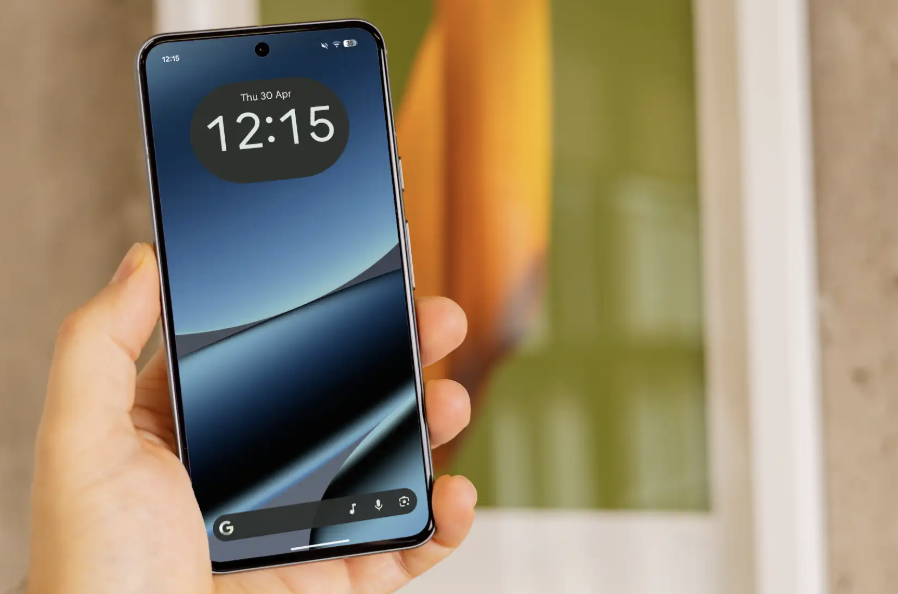
The Android 17 update is rolling out now, and the short answer is that eligible Pixel phones get it first, while Samsung, OnePlus, Nothing and others follow later. Google released the stable version around mid-June 2026, in phases, so your phone may not show it for a few days.
In this article, we will explore which brands are confirmed or only predicted, how to check your own phone step by step, and what to ignore while you wait.
Android 17 Update by Brand: Confirmed Versus Predicted
Google’s own Pixel rollout is reported as fact. Everything about other brands is either a loose timeline (“in the coming months”) or a prediction made in April, before the release. The table keeps those apart. The facts are mostly US-based, and the sources do not break timing down by country.
| Brand | What the sources say | Status |
| Pixel | Stable release to eligible Pixel phones around mid-June 2026, phased rollout. Beebom and Digit say Pixel 6 and newer. | Reported as released |
| Samsung | Expected to ship Android 17-based updates in the coming months (Digit). Galaxy S23 to S26 series, Z Fold 5 and Z Flip 5 and newer called very likely (SlashGear, April). | Timing expected, models predicted |
| OnePlus | Expected in the coming months (Digit). OnePlus 11, 12, 13 and 15 should get it; Nord models less likely (SlashGear, April). | Predicted |
| Nothing | Phone (3) and Phone (4a) should get it. Phone (1), Phone (2) and CMF Phone 1 likely skipped (SlashGear, April). | Predicted |
| Xiaomi | Expected to release Android 17 based updates in the coming months (Digit). No model list in these sources. | Timing expected only |
| Oppo | Find and Reno phones from the past two years (SlashGear, April). | Predicted |
SlashGear says other phones may get Android 17 anywhere from a few days to a few months after Google, and that phones released in the past two or three years will probably be included. That is a rule of thumb, not a schedule.
Pixel 6 Versus Pixel 6A: Where the Sources Disagree
Here is a real conflict. Beebom and Digit, both published on June 17, say Android 17 is for Pixel 6 and newer. SlashGear, written on April 13 before the release, says every Pixel back to the Pixel 6a is confirmed, which would leave the original Pixel 6 out of its confirmed list.
The sources do not explain the gap. The April guide may have been cautious, but that is a guess, not something any page states. If you own an original Pixel 6, do not assume either way. Check Google’s official Pixel update page, then the update screen on the phone itself.
How to Check for the Android 17 Update Step by Step
Menu names vary by brand, so treat the wording as a guide. The preparation advice is general good practice, not something the sources specify.
Step one: back up your phone. Save photos, messages and app data to your account or another safe place. Step two: charge the battery and connect to Wi-Fi so a large download does not eat your mobile data.
Step three: open Settings, then System, then System update. Beebom and Digit both give that path for Pixel phones. SlashGear gives Settings, System, Software Update and notes that the labels differ between phones, so on a Samsung or other brand you may need to search the Settings screen for the word update.
Step four: tap the check button and wait. If Android 17 is offered, start the download and let the phone restart when asked. If it says you are up to date, you are probably waiting for your phase of the rollout, so try again in a few days.
Step five: if you were on Android 17 Beta 4.1, Beebom says you get a minor update to the final stable version rather than a full reinstall. Step six: if nothing appears after a few days, check the manufacturer’s official update page. Never install an update from a random website or an APK file.
Features Worth Knowing Before You Install
Bubbles lets apps open in floating windows, which is most useful on foldables and tablets. Screen Reactions records your screen and front camera together. Gamers get controller remapping and a foldable gamepad mode.
On the safety side, Beebom names an enhanced Mark as lost in Find Hub that locks a missing phone with biometrics, improved Live Threat Detection and Advanced Protection, and stricter PIN protection with fewer guesses and longer waits between them. Digit adds one-time temporary location access. Beebom also notes that some Gemini Intelligence features will reach only select advanced devices later, so do not expect every feature on every supported phone.
What to Ignore While You Wait
Ignore any site that says it can give you Android 17 early through a download link. Ignore exact dates for Samsung, OnePlus or Xiaomi unless they come from the maker, since the sources here give only “coming months”. The sources also give no security patch level or Samsung One UI timing, so confident claims about those go beyond this reporting.
Do not panic if your phone is not on a list. According to SlashGear, phones not due for Android 17 will likely still receive security updates. On support length, SlashGear notes that the EU requires at least five years of OS updates, and that Google and Samsung offer up to seven. Confirm your own phone’s support period with its maker.
Conclusion
The Android 17 update has reached eligible Pixel phones, and everyone else is mostly waiting on their maker. Treat the brand predictions as educated guesses from April, and treat the Pixel 6 question as open until Google’s own page settles it. If your phone is older than two or three years, check your maker’s support page before you plan around this release.
You may be curious about which iPhones support iOS 27 and how to install the update safely. Find out more: https://techsipra.com/ios-27-update-which-iphones-are-supported-and-how-to-install-it-safely/
Frequently Asked Questions
When Will My Samsung Get Android 17?
The sources give no date. Digit says Samsung is expected to release Android 17 based updates in the coming months, and SlashGear’s April guide called the Galaxy S23 to S26 series, Z Fold 5 and Z Flip 5 and newer very likely. Check Samsung’s official page.
Does the Pixel 6 Get the Android 17 Update?
The sources disagree. Beebom and Digit say Pixel 6 and newer, while SlashGear’s April list confirms phones back to the Pixel 6a. Check Google’s Pixel update page for your exact model.
Where Do I Check for the Android 17 Update?
Go to Settings, then System, then System update on a Pixel, as Beebom and Digit describe. SlashGear gives Settings, System, Software Update and says menu names vary by phone.
Why Is Android 17 Not Showing on My Pixel Yet?
The rollout is phased, so it can take a few days to appear even on a supported phone. Keep checking and confirm your model is on Google’s list.
Is It Safe to Install Android 17 From a Website?
No. As general advice, install only through the system update screen or the manufacturer’s official channel. Random files can carry malware.