

Video interviews have become the default first step in hiring for a wide range of roles, and the skills that make someone come across well in person do not always translate cleanly through a webcam. Lighting, framing, connection quality, and the subtle delay inherent in video calls all shape how a candidate is perceived in ways that an in-person meeting never has to account for.
This guide covers how to prepare your space and equipment, project presence on screen, and avoid the small mistakes that can quietly undercut strong answers during a remote hiring process.
Preparing Your Space and Equipment
The physical setup behind a video interview matters more than most candidates expect, since a poor camera angle, bad lighting, or unstable internet connection can distract an interviewer even when your answers are strong. Positioning the camera at eye level, rather than looking down from a laptop propped on a desk or up from a low angle, creates a more natural sense of eye contact and avoids the unflattering angle that a downward-facing camera produces. A stack of books or a small stand under a laptop is often enough to correct this without buying dedicated equipment.
Lighting deserves equal attention, since a dim or backlit setup can make it hard for an interviewer to read facial expressions, which matters more in a video format where body language already comes through less clearly than in person. Facing a window or a soft lamp placed in front of you, rather than behind, avoids the silhouette effect that backlighting creates. Testing your setup with a short recorded video beforehand, rather than trusting how it looks through your own camera preview, reveals issues like glare or shadow that are easy to miss in the moment.
- Eye-level camera position: A camera raised to eye height creates more natural eye contact than one angled from above or below.
- Front-facing light source: Positioning a window or lamp in front of you, not behind, avoids a dark, silhouetted appearance.
- Wired internet connection: A wired connection reduces the chance of a dropped call compared with relying on home Wi-Fi alone.
- Backup device readiness: Having a phone or tablet charged and ready provides a fallback if your main device fails mid-call.
- Quiet, controlled background: A plain or tidy background keeps visual attention on you rather than on distracting clutter.
Audio quality deserves its own separate check from video, since a laptop’s built-in microphone often picks up room echo, keyboard clicks, and background hum that a dedicated headset or external microphone avoids. A short test call with a friend beforehand, where they listen specifically for audio clarity rather than video quality, catches problems that are easy to miss when testing alone. Closing unnecessary browser tabs and background applications before the call also frees up bandwidth and processing power, reducing the chance of lag or a frozen screen at an inconvenient moment during the conversation.
Building Rapport Through a Screen
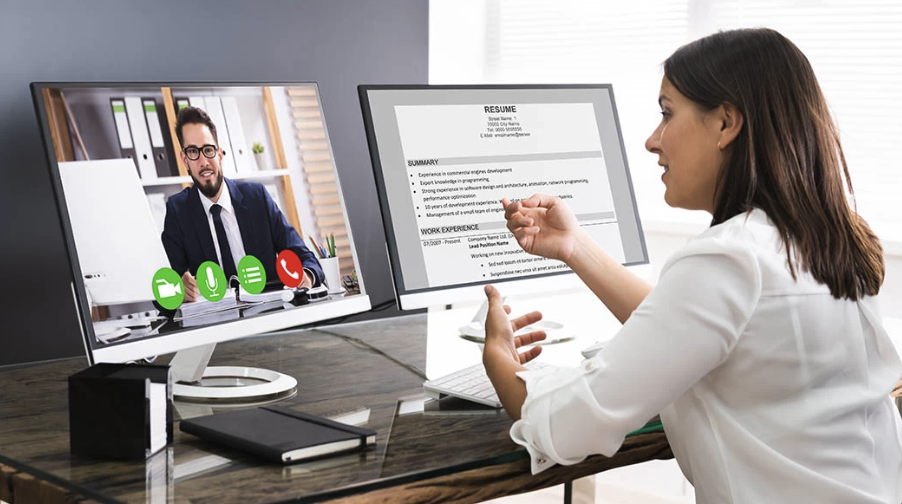
Establishing a sense of connection with an interviewer is harder over video than in person, partly because the slight delay in most video calls disrupts the natural rhythm of conversation that helps two people build comfort quickly. Pausing briefly before responding, rather than rushing to fill silence, reduces the chance of talking over the interviewer due to lag and gives your answer a more composed, considered quality that comes through clearly on screen.
Small talk at the start of a video interview carries more weight than it might seem, since it is often the only unstructured moment in an otherwise tightly scripted conversation. Commenting briefly on something specific, such as a detail from the company’s recent news or a shared connection on a professional networking platform, signals preparation without feeling forced. This brief exchange also gives both sides a moment to settle into the call’s audio and video rhythm before the formal questions begin.
- Deliberate pacing: Pausing briefly before answering reduces the chance of talking over the interviewer due to video lag.
- Specific small talk: A brief, researched comment about the company or role signals preparation in a natural way.
- Steady eye contact with the camera: Looking at the lens rather than the screen creates a stronger sense of connection for the viewer.
- Mirroring energy level: Matching the interviewer’s tone and pace, rather than defaulting to your own habitual style, builds rapport faster.
- Sincere follow-up questions: Asking a question that builds on something the interviewer just said shows active engagement.
Cultural and regional differences in interview style are worth keeping in mind when a hiring process involves interviewers from a different country or professional background than your own. A pace or formality level that feels natural in one professional culture can read as too casual or too rigid in another, and video calls tend to flatten some of the contextual cues that would normally help a candidate adjust in person. Researching the company’s general communication style ahead of time, through its public materials or employee profiles, can offer a useful hint about how formal or conversational to keep your own tone during the call.
Reading Body Language on Video
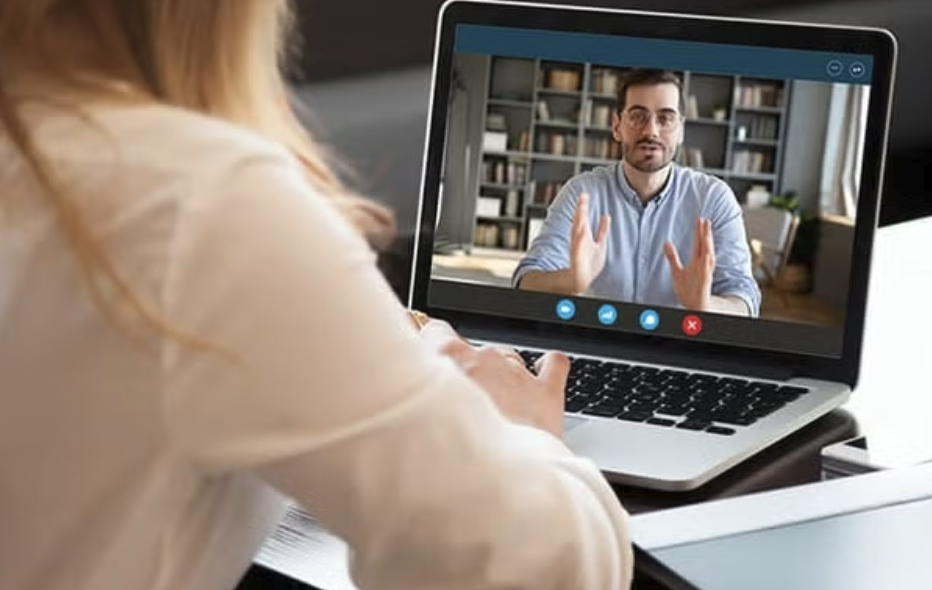
Body language reads differently through a camera than in a shared physical room, since a webcam typically frames only the upper body and face, cutting off the posture and gesture cues that an in-person interviewer would otherwise notice. Leaning slightly forward during key moments, keeping shoulders relaxed rather than hunched, and nodding at appropriate points all help convey engagement within this narrower visual frame.
Facial expressiveness becomes more important on camera, partly because a flat or neutral expression reads as disinterest more readily on video than it would across a table in person. Smiling naturally at the start of the call and during lighter moments, without forcing an exaggerated expression throughout, keeps the conversation feeling warm without appearing performative. Watching a recording of yourself in a mock interview, even an uncomfortable exercise, is one of the more effective ways to catch habits like excessive fidgeting or a resting expression that reads as more serious than intended.
- Upper-body posture: Sitting upright with relaxed shoulders projects confidence within the limited frame a webcam captures.
- Natural facial expression: A warm, relaxed expression at the right moments reads better on camera than a flat, neutral look.
- Controlled hand movement: Occasional, purposeful gestures read as engaged; constant fidgeting reads as nervous distraction.
- Appropriate nodding: Nodding at natural points in the conversation signals active listening within the camera’s limited frame.
- Mock interview recording: Reviewing a recorded practice session reveals body language habits that are hard to notice in the moment.
Clothing choices also play a role in how body language and presence come across on camera, since certain patterns and colors can appear distorted or distracting through a webcam’s compression. Solid, mid-tone colors tend to render more cleanly than bright white, which can overexpose on some cameras, or small busy patterns, which can create a flickering visual effect known as a moiré pattern. Dressing for the role and company culture, while keeping the webcam’s limitations in mind, helps ensure your appearance supports rather than distracts from the impression you are trying to make.
Common Video Interview Mistakes
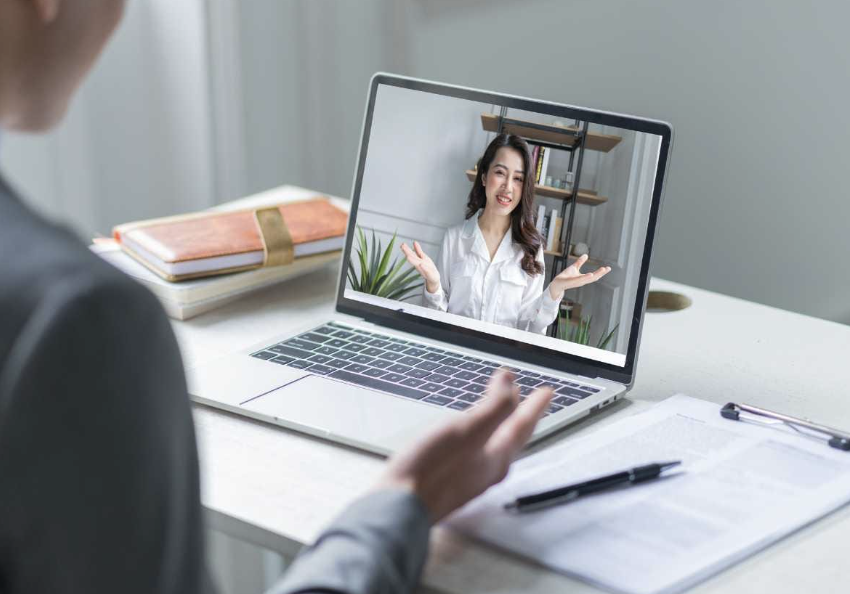
Several avoidable mistakes tend to recur across video interviews, and most of them stem from treating the format as identical to a phone call or an in-person meeting rather than recognizing its specific demands. Reading answers directly from notes placed near the camera is one of the more noticeable mistakes, since the shift in eye direction and flat vocal delivery that comes with reading aloud is easy for an interviewer to spot, even when notes are placed carefully out of the camera’s main frame.
Technical issues during the call itself are another common source of a weaker impression, often due to preventable causes such as an uncharged laptop, an unstable connection, or unfamiliarity with the video platform’s specific features like screen sharing. Joining the call a few minutes early, with the platform already tested and your device charging, removes most of these risks before the interview even begins, leaving more attention available for the conversation itself.
- Reading directly from notes: A shift in eye direction and flat delivery when reading aloud is easy for an interviewer to notice.
- Joining the call unprepared: Logging in at the exact start time, rather than early, risks a late start due to unexpected technical issues.
- Ignoring the platform’s features: Unfamiliarity with screen sharing or chat functions can cause an awkward pause mid-interview.
- Overlooking audio quality: Built-in laptop microphones often sound worse than a basic headset, affecting how clearly you come across.
- Multitasking during the call: Checking a second screen or notifications is often noticeable through subtle eye movement on camera.
Scheduling mistakes, such as misjudging a time zone difference or double-booking a call during a loud household moment, cause a surprising share of avoidable friction in remote interviews. Confirming the exact time zone listed on a calendar invite, rather than assuming it matches your own, and blocking off the surrounding thirty minutes to avoid interruptions from deliveries, pets, or household members, removes a layer of preventable stress before the conversation even starts.
Managing Technical Glitches Gracefully
Even a well-prepared setup can encounter a dropped connection, audio delay, or frozen video during a live interview, and how a candidate responds to this kind of disruption often leaves as strong an impression as the content of their answers. Staying calm, acknowledging the issue briefly, and offering a clear next step, such as rejoining through a phone if the laptop connection fails, demonstrates composure under a minor stressor that most interviewers will recognize and respect.
Having a backup plan ready before the interview starts removes much of the panic that a sudden technical failure can cause. Keeping the interviewer’s phone number or email on hand, in case the video platform fails entirely, and knowing in advance how to quickly switch to an audio-only call or a different device, turns a potential crisis into a brief, professionally handled interruption rather than a derailed interview.
- Calm acknowledgment: Briefly naming the issue without over-apologizing keeps the moment professional rather than flustered.
- Backup contact information: Having the interviewer’s phone or email ready allows a quick pivot if video fails completely.
- Alternative device readiness: A charged phone or tablet nearby allows a fast switch if your primary device stops working.
- Audio-only fallback: Knowing how to continue by phone if video drops keeps the interview moving without a long delay.
- Follow-up email after a glitch: A brief note acknowledging the disruption after the call shows professionalism and closes the loop.
Practicing a brief recovery script in advance, such as a calm sentence acknowledging a frozen screen or audio delay, removes the need to improvise under pressure once the disruption happens. Candidates who have thought through this moment ahead of time tend to sound composed rather than flustered, since the words are already prepared rather than scrambled together in the stressful seconds after a call drops unexpectedly.
Following Up After a Remote Interview

A thoughtful follow-up message after a video interview carries the same weight it would after an in-person meeting, and a few specific details referencing the conversation make it stand out more than a generic thank-you note. Mentioning a specific point the interviewer raised, or a detail about the role that stood out during the conversation, shows that you were engaged throughout rather than simply going through the motions of a scripted interview.
Timing matters as well, since a follow-up sent within a day of the interview reads as prompt and considerate, while one sent a week later can suggest the opportunity was not a priority. For a multi-stage interview process involving several people, sending a brief, personalized note to each interviewer, rather than one identical message copied to multiple people, demonstrates attention to detail that can carry weight when a hiring team compares notes on candidates later in the process.
- Specific reference points: Mentioning a specific detail from the conversation shows active engagement rather than a generic response.
- Prompt timing: Sending a follow-up within a day of the interview reads as considerate and truly interested.
- Personalized messages per interviewer: Separate, tailored notes to each person involved stand out more than one copied message.
- Brief and focused content: A short, specific note is more effective than a long message repeating points already covered live.
- Professional tone consistency: Matching the tone of the interview itself in your follow-up keeps the impression coherent.
A follow-up message is also a reasonable place to address anything you felt you answered less clearly during the call, without dwelling on it at length. A brief sentence adding a point you wish you had mentioned, framed as an addition rather than an apology, can round out an answer that felt rushed in the moment, and most interviewers appreciate the extra clarity rather than viewing it as a weakness in your original response.
Final Thoughts
Standing out in a remote job interview depends on treating the video format as its own skill rather than simply transferring in-person habits onto a screen.
A well-lit, properly framed setup, deliberate pacing that accounts for video lag, and calm handling of any technical disruption all shape how an interviewer perceives your answers, sometimes as much as the content of the answers themselves.
Preparing your equipment in advance, practicing camera-facing eye contact, and following up with a specific, prompt message after the call are small, manageable steps that together give you a real edge over candidates who treat a video interview as an afterthought rather than a distinct format worth preparing for directly.
Read more about Techsipra
Frequently Asked Questions
Should I look at the camera or the screen during a video interview?
Looking at the camera lens creates a stronger sense of eye contact for the person viewing you, even though it can feel unnatural at first since you cannot see the interviewer’s reaction directly. Practicing this during a mock call helps build comfort with maintaining camera-focused eye contact for most of the conversation.
Which background works best for a video interview?
A plain wall, a tidy bookshelf, or a simple home office setup works well, since the goal is to keep visual attention on you rather than on background detail. Virtual backgrounds can look unnatural depending on lighting and movement, so a real, tidy physical space is generally the more reliable choice.
How do I recover if my internet connection drops during the interview?
Stay calm, briefly acknowledge the disruption once reconnected, and have a backup plan ready, such as switching to a phone call or a different device. Keeping the interviewer’s contact information on hand before the call starts makes this transition smoother if it becomes necessary.
Is it acceptable to use notes during a video interview?
Brief notes, such as a short list of questions you want to ask or key points about your background, are generally fine as long as you are not visibly reading full answers word for word. Keeping notes to short bullet points, rather than full sentences, helps you reference them naturally without the flat delivery that comes with reading aloud.
How soon should I send a follow-up message after a video interview?
Sending a follow-up within twenty-four hours is a reasonable standard, since it reads as prompt without feeling rushed. Reference a specific point from the conversation rather than sending a generic thank-you note, since this makes the message stand out and reinforces that you were engaged throughout the call.
What should I do if I am interviewed by several people on one call?
Try to note each person’s name and role as they are introduced, and direct a brief, relevant comment or question to each person during the conversation when appropriate. Afterward, sending a short, personalized follow-up to each interviewer, rather than one identical note, shows attention to detail that a hiring team often notices when comparing impressions.